
Isle of Wight County Warrant Searches
Virginia’s case-information hub explains which court searches are available. The statewide OCIS search covers eligible adult criminal information in J&DR, criminal and traffic cases in General District Court, and select Circuit Court records. For a General District case, select Isle of Wight in the court list. Search by name, case number, or hearing date when the tool offers that field.
Use the court search as a way to find the file, not as a final warrant answer. Keep your legal name, former name if relevant, case number, and last hearing date at hand. If a relative asked you to help, use their permission and give the clerk only the details needed to locate the file.
- Choose the likely court: Circuit for a felony indictment, General District for traffic or misdemeanor matters, or J&DR for family and juvenile cases.
- Select Isle of Wight in the General District search, then use a name, case number, or known hearing date.
- Call the issuing clerk to confirm the process label and status. The Sheriff’s wanted list is not active online.
- For Sheriff-held records, use dispatch or submit a written request to requests@iowso.com.
- Ask a lawyer or the court about appearance, bond, or recall steps if the file shows an unresolved event.
OCIS Finds Cases, Not All Warrants
OCIS is a case-information service, not a statewide warrant roster. It may show case events entered by a participating court, but the captured Virginia guidance does not promise a dedicated warrant field for every case. Payments cannot be made in the statewide search. The OCIS landing page is the right starting point for court coverage, and the General District interface is a separate locality-based search.
Use the screen to identify the court and case number. Then call the clerk about whether a capias, warrant, show-cause order, or traffic compliance issue remains. The court’s own office controls the docket status.
The OCIS landing page shows the limits of the public case search.
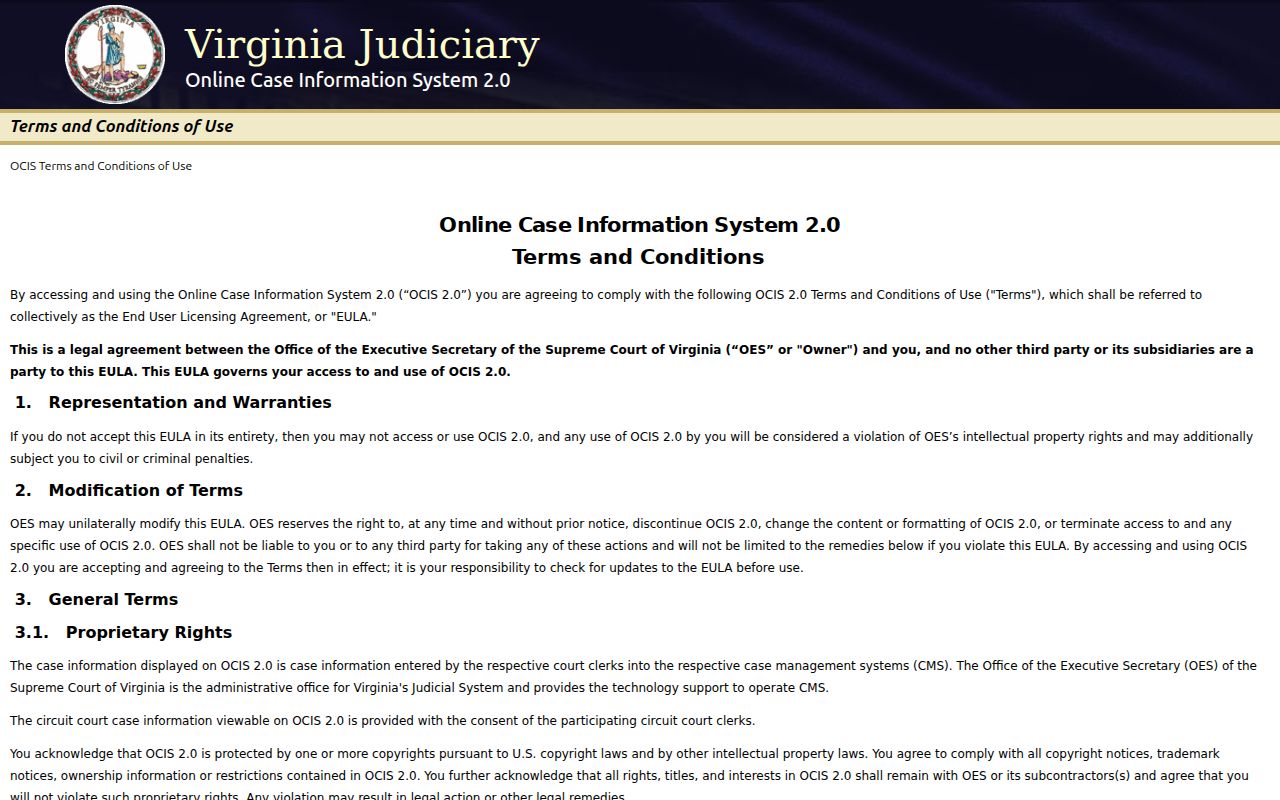
It can help locate a case, but the clerk must confirm the warrant.
What a Warrant Search Asks For
The General District search asks you to choose a court and one search path. The tool’s public description identifies name, case number, and hearing date. It does not document a warrant-number field or a public date-of-birth filter. If names are similar, compare the court, case number, and hearing information with the clerk before drawing a conclusion.
| Field Label | Type | Required | Notes |
|---|---|---|---|
| Court / locality | Dropdown | Yes | Select Isle of Wight General District Court for a GDC file. |
| Name | Text | Alternative | Search by the plaintiff or defendant name; confirm a match with the clerk. |
| Case number | Text | Alternative | Use the number on the summons, notice, or clerk response. |
| Hearing date | Date | Alternative | Use a known court date to narrow the file. |
| Case Details | Result section | Result only | Service information may appear when entered; it is not a warrant flag. |
The official GDC search page shows the locality controls.
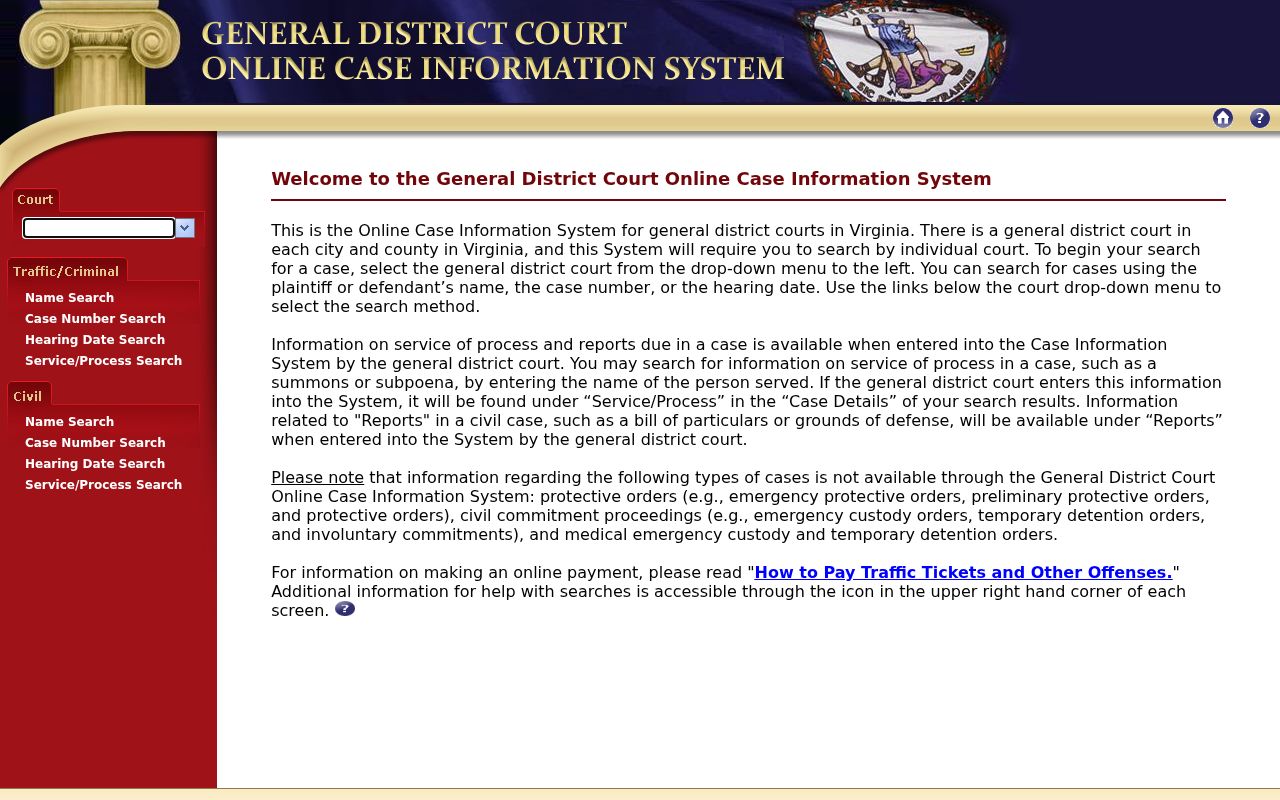
Use the case number or hearing date when a name alone could match more than one file.
Isle of Wight Search Results Need Review
A search result can identify a docket entry without telling you whether a process is still active. Look for the court, case number, charge or case type, hearing date, and any entered service or disposition detail. A status update can lag after a court action, and a similar name can belong to someone else.
Call the clerk that holds the file before paying, appearing, or assuming the matter is finished. Ask whether the court shows a warrant, capias, show-cause order, or required traffic compliance. Get the next date and instructions in writing when the court can provide them.
Isle of Wight County Warrant Search Results
No complete public warrant entry was available to inspect, and no local warrant-number pattern is published. This schema lists the details a reader should ask the clerk to confirm. Not every public screen will show every field.
| Warrant number | Ask the issuing clerk; no local format was published. |
|---|---|
| Case and court | GDC, Circuit, J&DR, or magistrate-originated case, as applicable. |
| Process label | Warrant, capias, summons, show-cause order, or traffic FTA. |
| Charge and date | Ask which charge or event and issue or hearing date the file records. |
| Bond and status | Confirm amount, conditions, service, recall, and current docket status. |
The Sheriff List Is Not Confirmation
The Sheriff’s Wanted page says its material is not an official court record and is not confirmation or probable cause that a warrant is active. The linked list currently shows an inactive notice dated October 10, 2023. It also excludes Smithfield and Windsor wanted persons unless later court papers are assigned to the Sheriff for service.
That page is useful for understanding the Sheriff program, not for clearing a personal status question. For a town case, contact the town police and the court. For a county service question, call Sheriff dispatch or request an existing record.
The Virginia court hub explains which case systems cover each court.
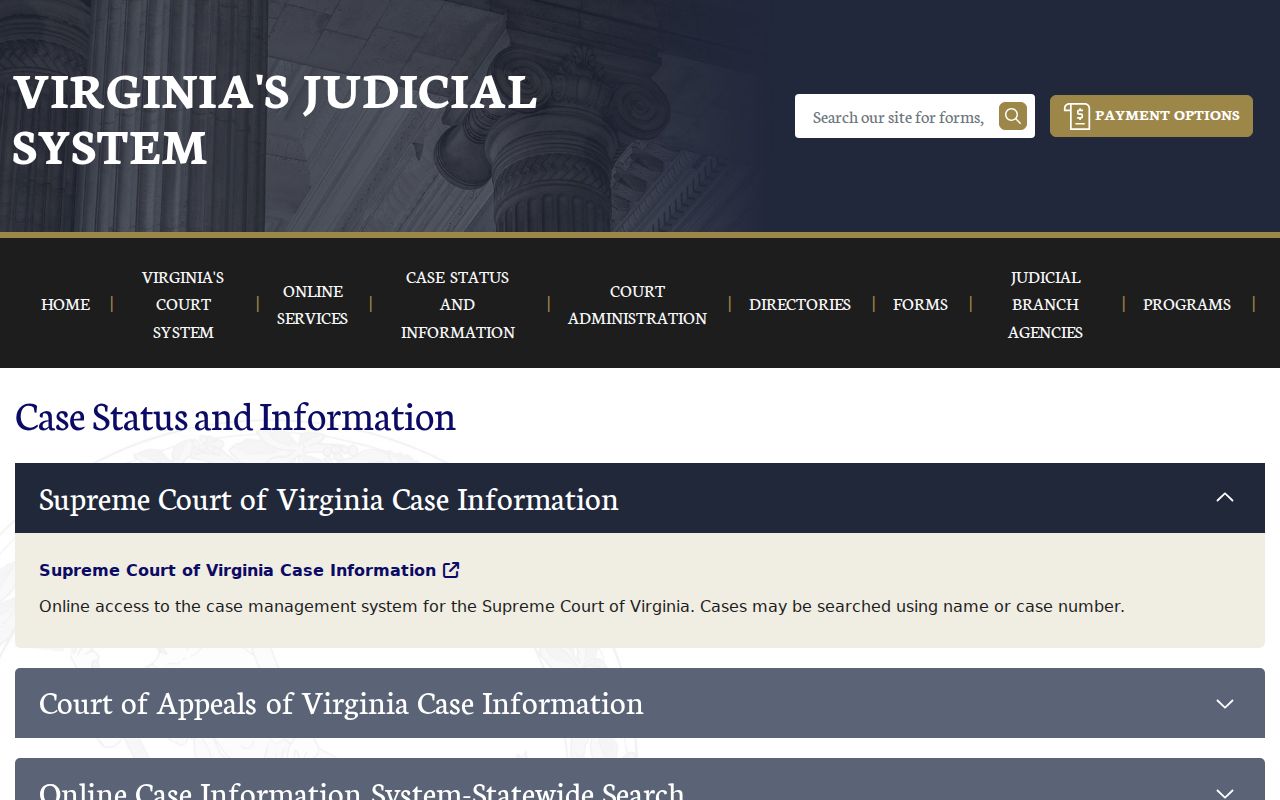
Coverage limits are a reason to verify the case with its clerk.
Isle of Wight County Warrants: Who Holds What
The court clerk controls the case file: Circuit Court for felony indictment records, General District Court for traffic and misdemeanor matters, and J&DR for family and juvenile cases. The Sheriff handles county law enforcement and service. Smithfield and Windsor police handle town activity, but neither town has a separate municipal court.
The Sheriff FOIA page gives request routes for existing agency records. The statewide OCIS search can locate eligible state court cases, but no one public search covers every court, protected record, and agency-held process.
Request Existing Isle of Wight Records
The Sheriff’s request form asks for a subject, email, name, and message. Describe the record you want, such as an existing service or return record, the likely court, and a reasonable date range. The office says it responds within five working days and may take an additional seven working days when an immediate response is not practical. Charges are based on actual costs; ask for an estimate.
Virginia Code §2.2-3704 covers requests for existing records. It does not require the Sheriff to create a new roster or answer a legal question. Send a court-docket question to the issuing clerk instead.
Virginia FOIA describes access to existing public records.
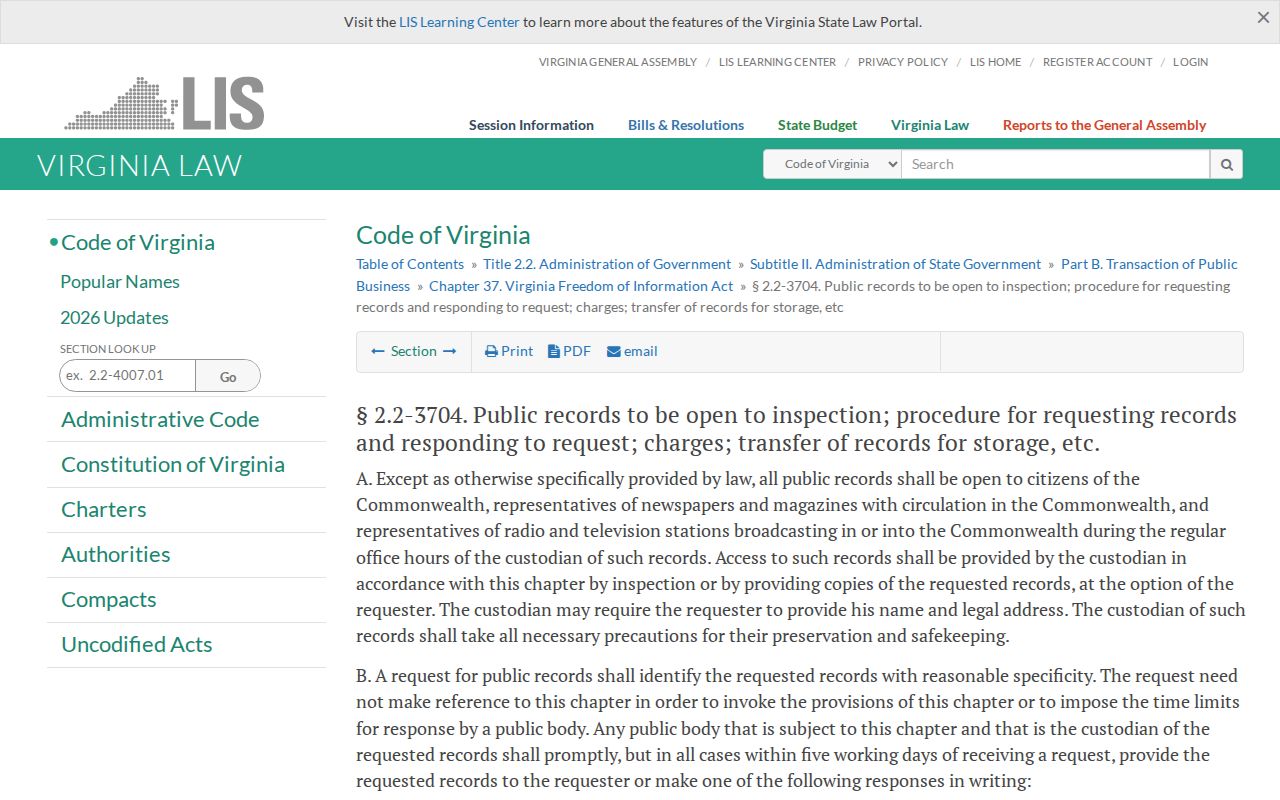
A request can help locate a Sheriff record, while the court retains its own docket.
Which Warrants Stay Restricted
Juvenile law-enforcement records are protected under Virginia Code §16.1-301. The General District public search also excludes several specialized proceedings, including protective orders and emergency custody matters. A sealed record or active investigation may have separate limits. The juvenile-record statute explains why a public search may not return every case.
Key Rules:
Sealed or investigative material may be withheld while legal limits apply.
Virginia Code §16.1-301 restricts access to juvenile law-enforcement records.
A missing online result does not establish that no warrant exists; call the issuing clerk.
Choose the Custodian Before Filing a Request
A Virginia FOIA request should describe an existing record held by a public body. A court docket belongs with the clerk of the court that handled the case; a Sheriff service return or agency log belongs with the Sheriff’s Office; and a Smithfield police record follows the town’s records process. The wrong office may not have the file even when it can point you elsewhere. Naming the record, likely date range, and known case reference can make the search more precise.
Virginia Code §2.2-3704 addresses public access to existing records and actual charges. It does not require an agency to create a new warrant roster, calculate a person’s status, or explain what a docket entry means. The Sheriff’s FOIA page sets out submission routes and timing for its own records. Juvenile, investigative, and otherwise protected material may be withheld or redacted under applicable law.
The Sheriff’s FOIA statement describes the office’s request channel.
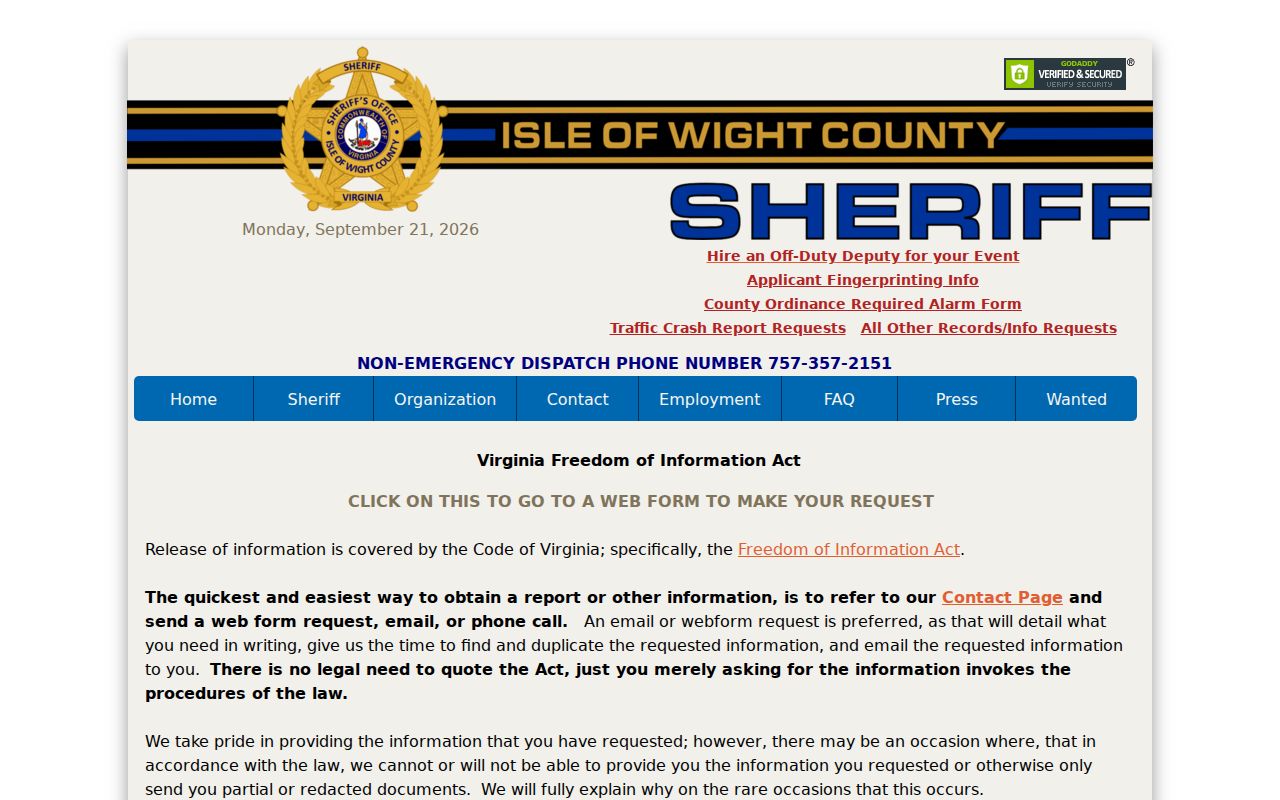
Read the Sheriff’s instructions before submitting an agency-record request.